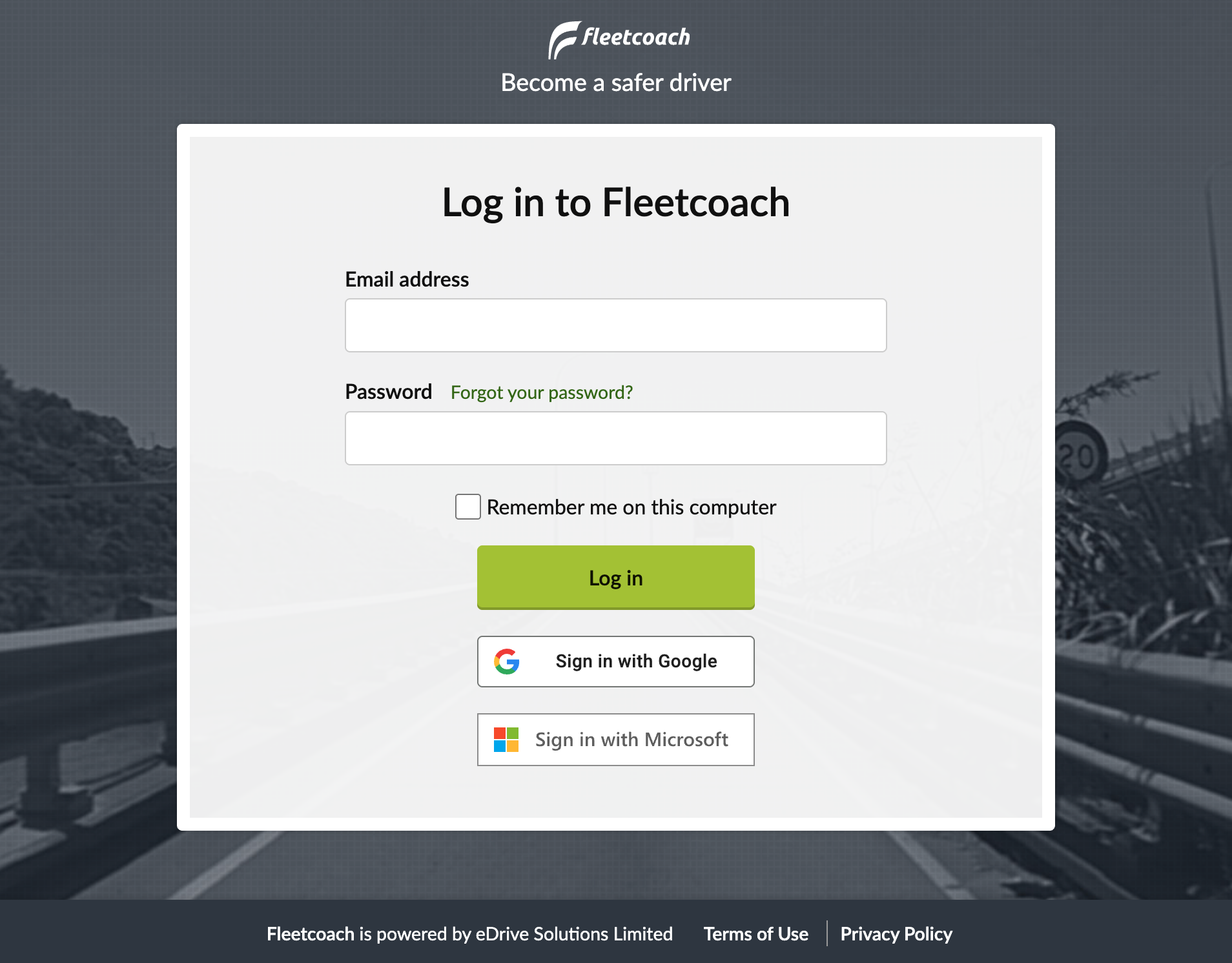
How to log in to Fleetcoach
To access your Fleetcoach training, follow the instructions below.
The way you log in depends on how your organisation has set up your account.
From the Fleetcoach welcome email
- Open your welcome email.
- Click the link provided to go to the Fleetcoach login page.
If you can’t find your welcome email
- Go directly to app.fleetcoach.com.
On the Fleetcoach login page
Choose one of the following:
- Fleetcoach account: Enter your email address and password, then click Log in.
- Google or Microsoft account: Click Sign in with Google or Sign in with Microsoft and follow the prompts.
From a Learning Management System (LMS)
If you access Fleetcoach through your organisation’s Learning Management System (LMS):
- Log in to your organisation’s LMS as usual.
- Find and select your Fleetcoach course from within the LMS.
- You do not use the Fleetcoach login page.
Troubleshooting
- If you have trouble logging in, check your email address and password.
- If you’ve forgotten your password, see the # section.
- If you still can’t log in, contact your organisation’s Fleetcoach administrator or Fleetcoach support.